
Appearance
Hand-outs and returns
The movement log for equipment: who received what, when, in what condition, and when it came back.
Menu path HR › Assets › Handover & return
Address https://hub.cnvconnect.com/assets/assignments
Permission asset_assignments:view
Who uses it office managers, IT
The screen
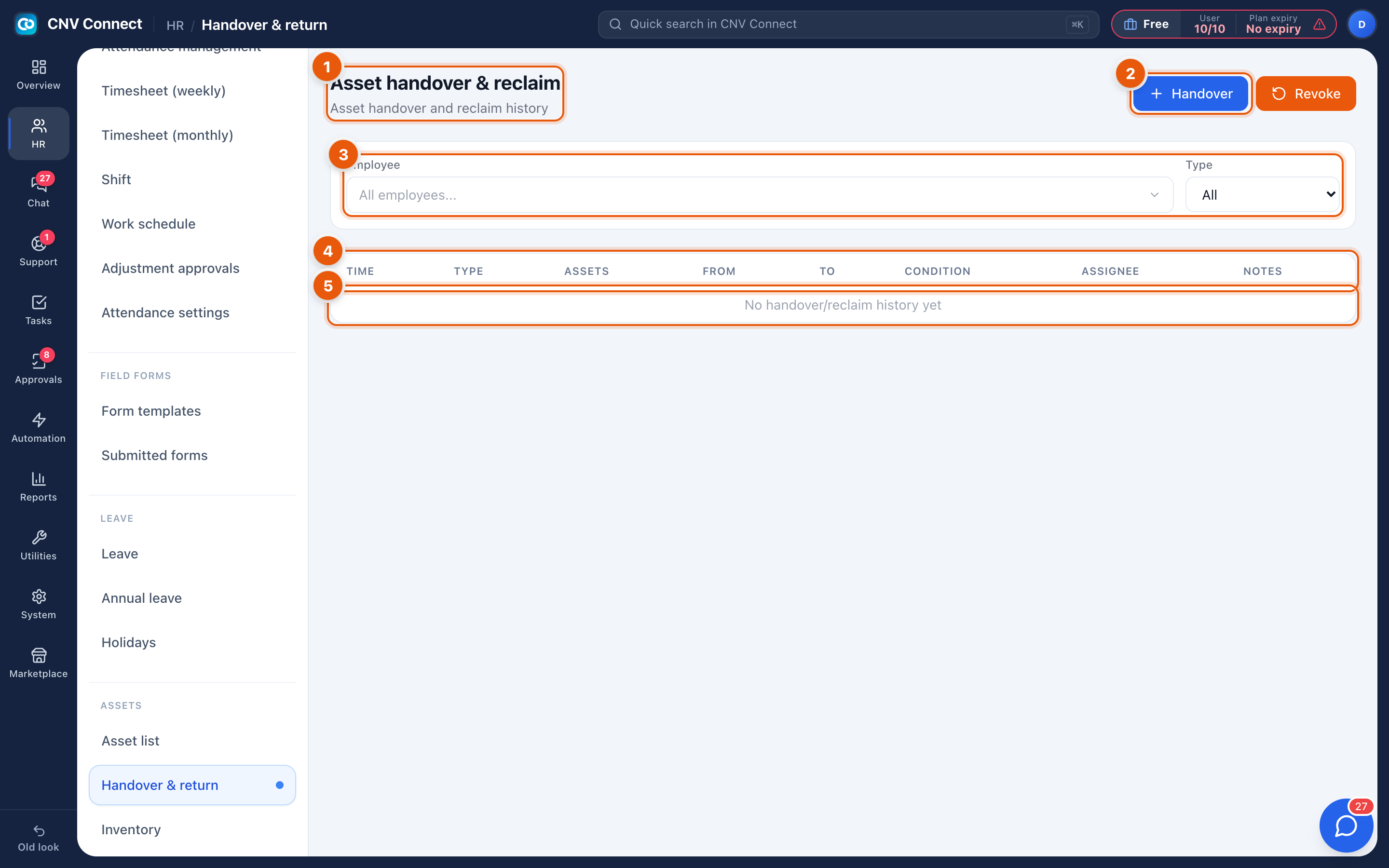
- Page title — handover and reclaim.
- Handover — give an asset to an employee. Revoke beside it takes one back.
- Filters — by employee and by movement type.
- Columns — time, type (handover or revoke), the assets involved, from, to, condition, who processed it and notes.
- The log — one line per movement, newest first.
How to…
Hand equipment to a new starter
- Select Handover.
- Choose the employee and the assets.
- Record the condition at handover — that is what protects both sides later.
- Save. The assets change status to in use and the employee becomes the holder.
Take equipment back
Select Revoke, choose the assets, and record the condition on return. Anything damaged should say so here, with a note.
Off-board somebody
Filter by the employee to see everything they hold, then revoke it in one movement. Do this before disabling their employee record, while the list is still easy to find.
Notes
- Every movement is timestamped and attributed; the log is the audit trail, so corrections are made with a new movement rather than by editing history.
- The handover report summarises this log per employee and period.
- Assets that are never revoked stay attached to people who have left — the asset audit is how that gets caught.