
Appearance
Submitted forms
The record book: every field form a crew has filled in, with who submitted it, when, and the answers they gave. This is what you show an inspector.
Menu path HR › Field forms › Submitted forms
Address https://hub.cnvconnect.com/attendance/submissions
Permission attendance_list:view
Who uses it safety officers, supervisors, auditors
The screen
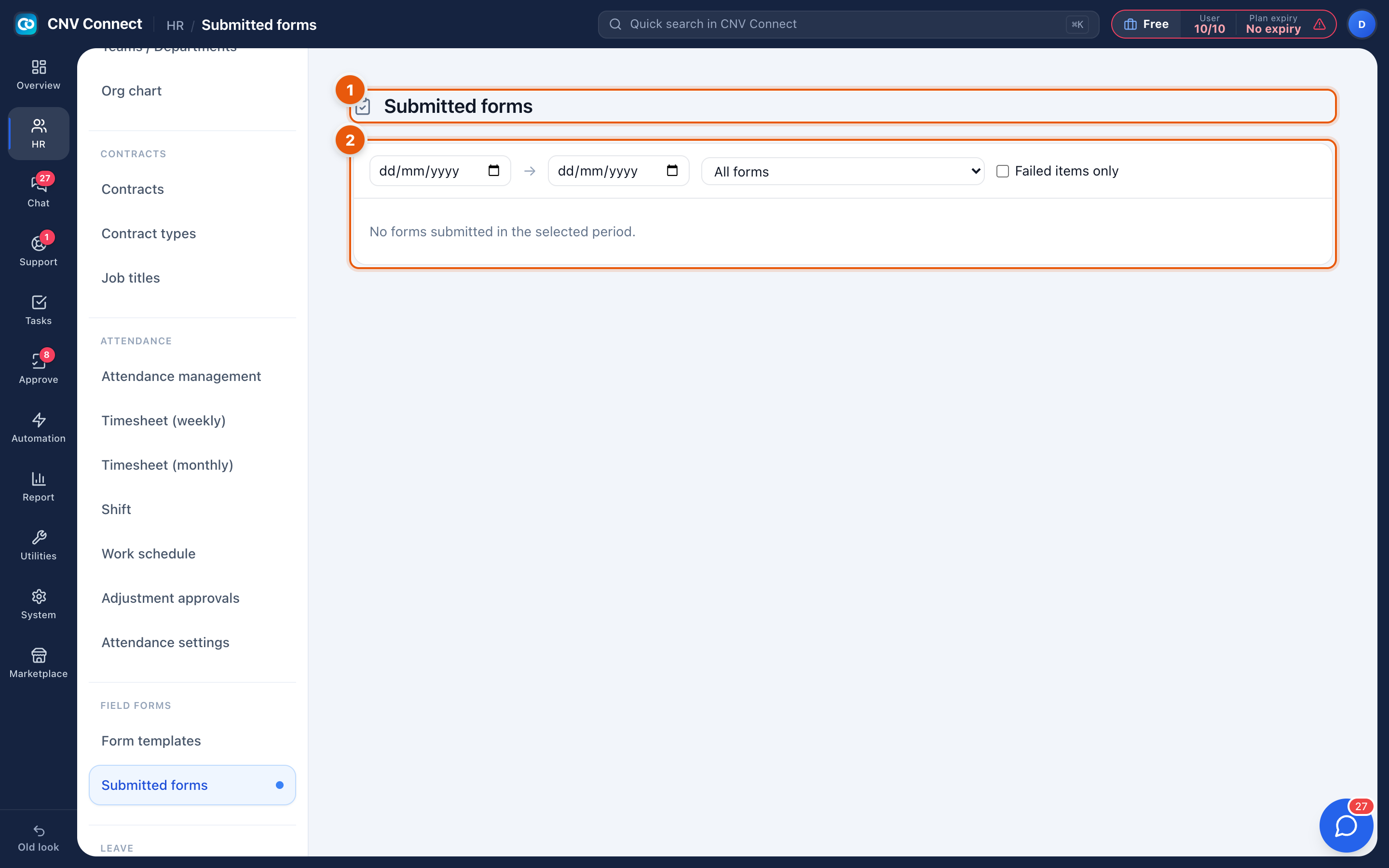
- Page title — submitted forms.
- Filters — the form to look at (All forms, Toolbox Talk Attendance, Pre-Use Equipment Inspection, Fit for Duty & PPE Check, FLHA…) and the From date / To date range, both inclusive.
How to…
Prove that today's safety talk happened
- Choose the Toolbox Talk Attendance form.
- Set both dates to today.
- Open the submission and read the answers — topic covered, who presented, how many attended, plus the crew photo if the form asks for one.
Pull a month of inspections for an audit
Choose the form, set the date range to the month, and work down the list. Anything missing means either the crew did not submit it or the rule was not blocking that day — check Attendance settings for the period in question.
Investigate a failed check
Equipment inspections that record a Fail are the ones to read first: the answer normally carries a note and a photo, and the equipment should have been tagged out of service.
Notes
- Submissions are immutable. A mistake is corrected by submitting a new form, not by editing the old one — that is what makes the book worth anything in an audit.
- Each submission keeps the version of the template used at the time.
- Nothing appears here until a form is actually required or offered to crews on the mobile app; designing a template alone produces no submissions.