
Appearance
Employee invitations
An employee record is HR data. An invitation is what turns it into a working account: the person receives an e-mail, sets a password, and can then sign in to the web workspace and the mobile app.
Menu path HR › Employee invitations
Address https://hub.cnvconnect.com/users/invitations
Permission employees_invitations:view
Who uses it HR and administrators
The screen
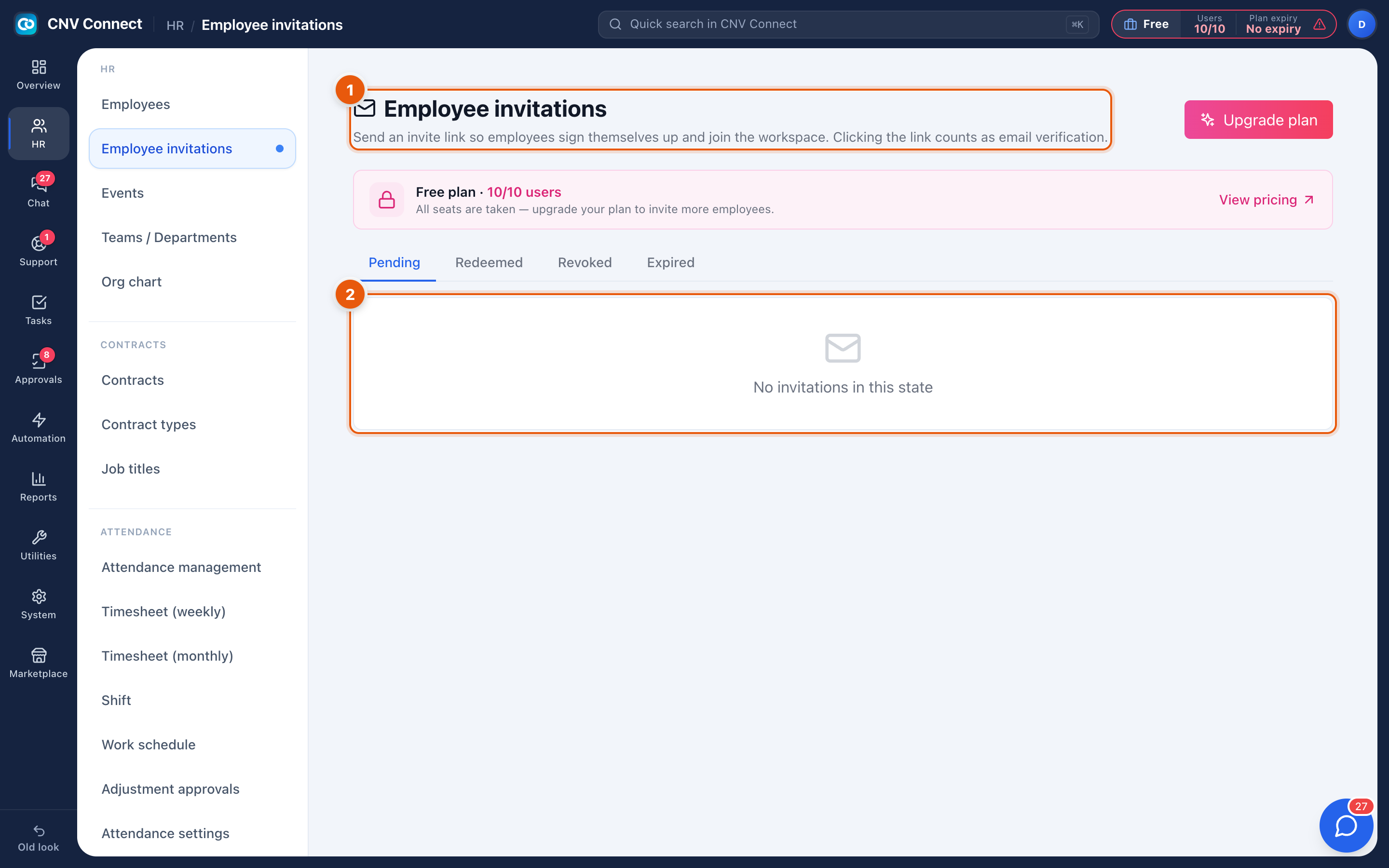
- Page title — send an invite link so employees sign themselves in. The status tabs sit underneath: Pending, Redeemed, Revoked, Expired. Each tab is a separate list, so an empty tab does not mean there are no invitations at all.
- List area — one line per invitation, with the address it was sent to, who sent it, when it was sent and when it expires.
How to…
Invite someone
- Make sure the plan still has a free seat — check the chip in the top bar.
- Select the invite action and enter the person's work e-mail.
- Choose the role they should get (see Roles); this decides what they can see on their first day.
- Send. The invitation appears under Pending until it is used.
Chase or cancel an invitation
- Resend if the e-mail never arrived — check spam first, and confirm the address.
- Revoke if the person is not joining after all. The link stops working immediately and the invitation moves to Revoked.
When an invitation expires
Expired invitations move to their own tab. Send a fresh one; the old link cannot be revived.
Notes
- Inviting an address that already belongs to a user in another workspace simply adds a membership — the person keeps one account and picks the workspace after signing in.
- Each redeemed invitation consumes one seat. Disabling a former employee's account in Employees releases the seat again.
- Invitations are per e-mail address. Case does not matter, but aliases do:
first.last@andfirstlast@are two different people as far as the workspace is concerned.