
Appearance
Stage settings
Stages are the columns of a board and the groups in a list: not started, in progress, done, or whatever your process actually calls them.
Menu path Tasks → Stage configuration
Address https://hub.cnvconnect.com/tasks/stages-settings
Permission tasks:view
Who uses it project owners
The screen
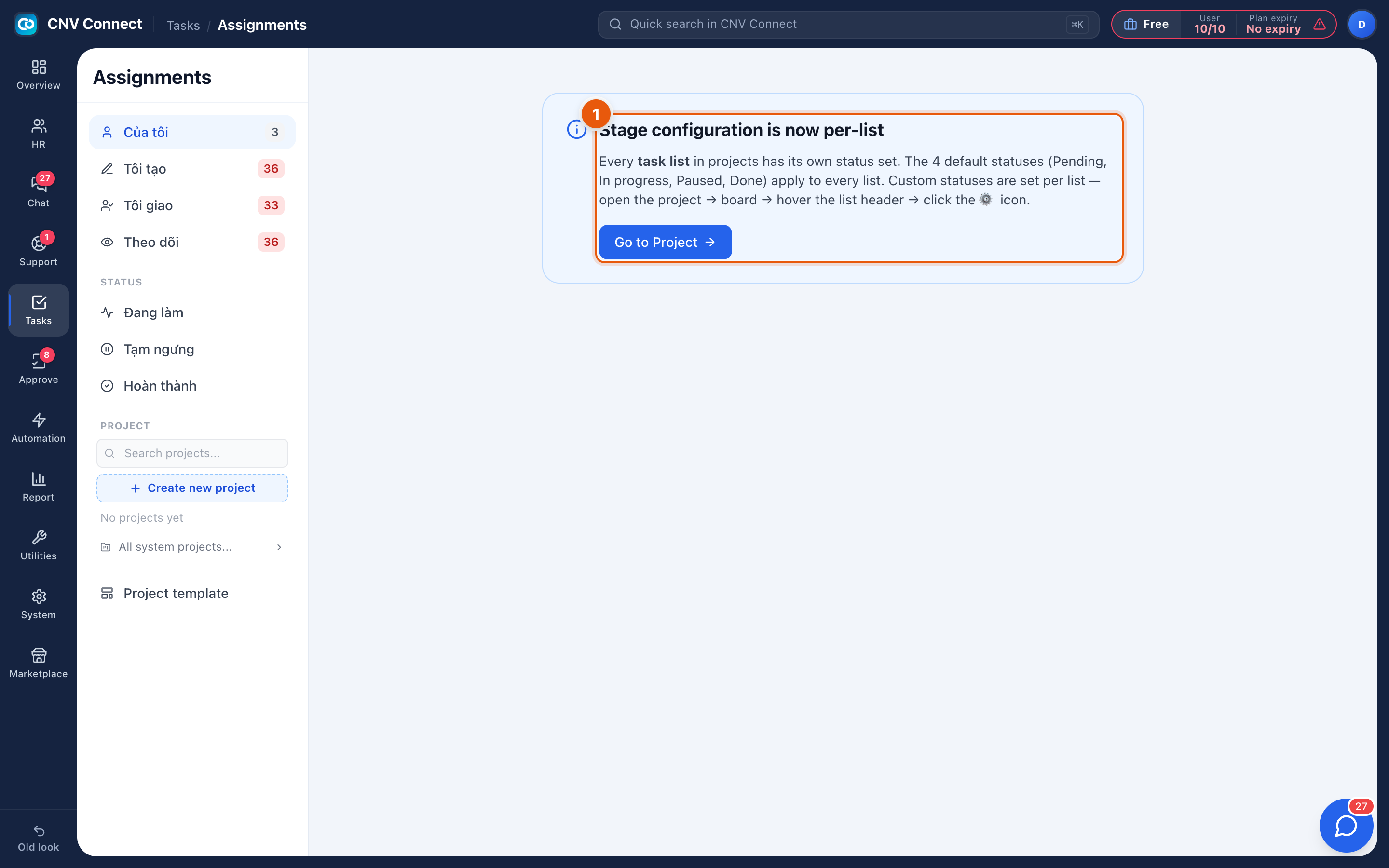
- Explanation — stages are no longer a single workspace-wide setting. Every task list inside a project has its own set, so a hiring pipeline and a maintenance backlog can have different columns.
How to configure stages
- Open the project, then the task list you want to change.
- Use the list's own settings to add, rename, reorder or remove stages.
- The board view picks the change up immediately — its columns are the stages.
Notes
- Renaming a stage keeps the tasks in it; removing one asks where its tasks should go.
- Keep the number small. Five columns that everybody understands beat nine that people guess at.
- Task status (pending, in progress, done) is a separate, fixed concept from the stage a task sits in — a task can be in progress in a stage called Review.